Duplicate Without User-Selected Canonical: What It Means + How to Fix It
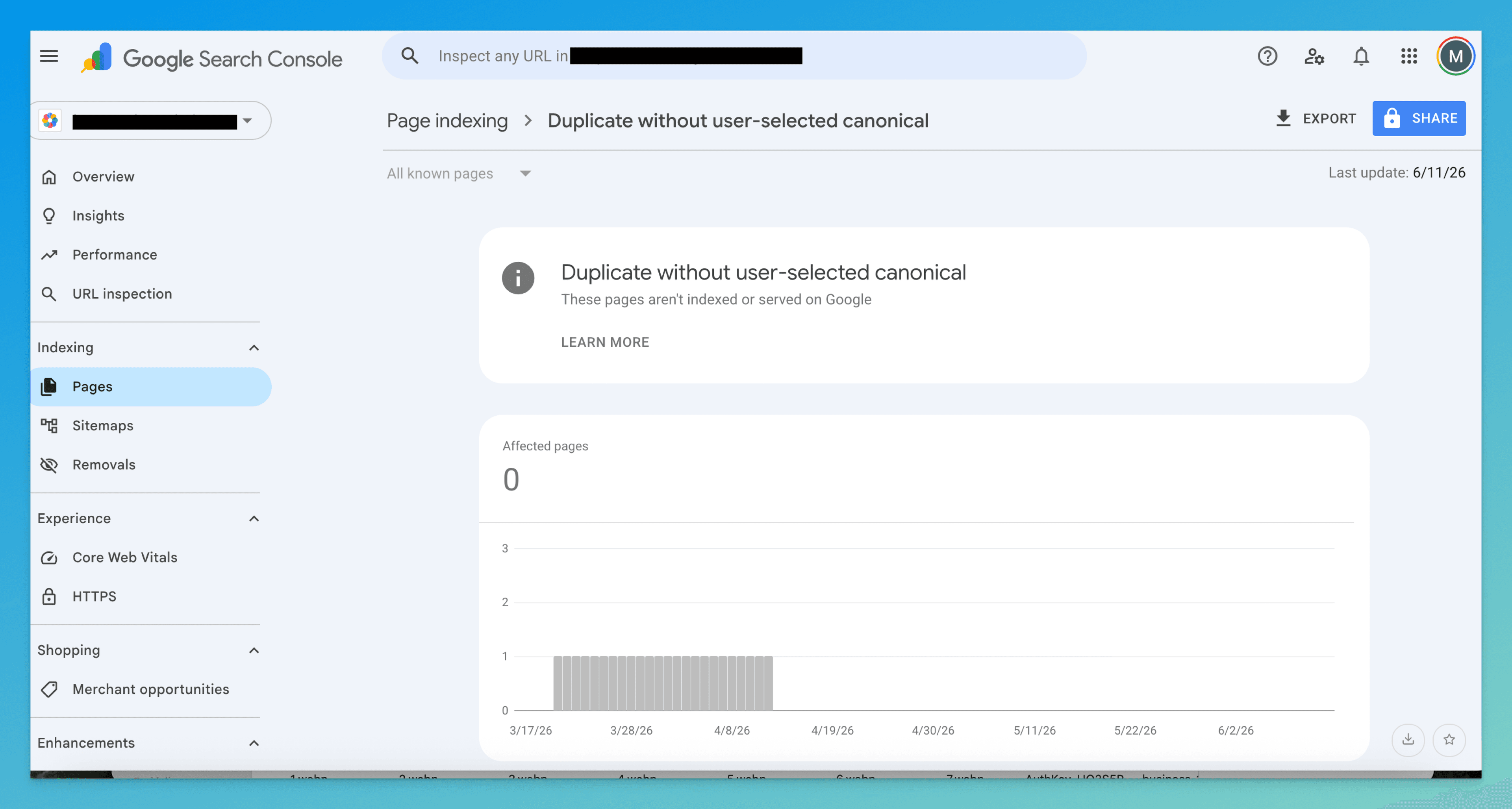
“Duplicate without user-selected canonical” in Google Search Console means Google found duplicate pages and picked one for you. Here's why — and exactly how to fix it.
“Duplicate without user-selected canonical” means Google found duplicate URLs, you never declared which one to index, so Google chose. Harmless if it picked the page you wanted — a real ranking problem if it didn't. The fix is to stop guessing on Google's behalf and declare an explicit canonical.
The word that matters in this status is “without.” Google found pages it considers duplicates and went looking for your instruction on which one to index — and found none. So it picked one for you. The page it chose might be the one you wanted, or it might be a tracking-parameter URL, an old draft, or the http version. You don't know until you look, and right now Google is making that call, not you.
That's the whole job here: take the decision back. This guide shows you how to find which duplicates triggered it, which canonical Google actually chose, and how to declare your own so Google stops guessing.
First, see which canonical Google picked
Before you fix anything, find out whether Google's guess was even wrong. Open the affected URL in URL Inspection and look at two fields under Coverage:
- User-declared canonical — what your page's
rel=canonicalsays. On a page in this bucket, this almost always reads “N/A” (the whole reason you're here). - Google-selected canonical — the URL Google actually indexed in this duplicate cluster.
If the Google-selected canonical is the page you wanted indexed, this is cosmetic — declaring a matching canonical just makes it official. If it's some other URL, that's your problem page, and the rest of this guide is how to override it.
A duplicate cluster shares one set of ranking signals. While Google holds the canonical pick, every link and mention pointed at the wrong URL is propping up a page you may not want ranking. Declaring your canonical is what consolidates those signals back onto the right page.
Find which duplicates triggered it
“Duplicate” here doesn't mean copy-paste plagiarism. Google groups any pages it judges substantially the same and indexes one. Three things commonly create those clusters — work down them in order; the first is by far the most common.
1. The same page reachable at several URLs
This is the silent one, because the content really is identical — only the address differs. Every one of these is a separate URL to Google unless you tell it otherwise:
http://vshttps://www.vs non-www.- trailing slash vs none —
/blog/postvs/blog/post/ - uppercase vs lowercase paths —
/Blog/Post index.htmlvs the bare directory —/about/index.htmlvs/about/- tracking and faceting parameters —
?utm_source=newsletter,?sort=price,?ref=ads
Tell: the Google-selected canonical is the same content as your page, just at a different-looking address.
2. Genuinely similar pages that aren't byte-identical
Different URLs, different intent in your head — but the copy overlaps enough that Google folds them together:
- product variants that differ only by size or color
- near-duplicate articles covering the same topic from a slightly different angle
- printer-friendly or AMP-style alternates of a main page
Tell: the duplicates are distinct pages you built on purpose, and they share most of their body text.
3. Your content also lives on another domain
Syndication partners, scrapers, or a staging/dev domain that got crawled. Google sees two copies across two sites and, with no canonical, may decide your page is the duplicate.
Tell: the Google-selected canonical is on a domain you don't own, or on a subdomain you forgot was public.
How to fix it
Match the fix to the cause above. In every case the move is the same shape — declare an explicit canonical — but the supporting work differs.
- Add a self-referencing canonical to your preferred URL
This is the core fix for all three causes. On the page you want indexed, add a canonical that points to itself, using the exact form you've standardized on:
<link rel="canonical" href="https://example.com/main-page" />Use the absolute,
https, final-redirect URL — not a relative path, not a parameter version. Once Google re-crawls, the duplicates flip to “alternate page with proper canonical tag,” which is the state you want. - Pick one URL form and 301 the variants (cause 1)
For URL-variation duplicates, decide your canonical form once —
https, one choice onwww, one choice on trailing slash — and 301-redirect every other form to it:http://example.com/page → https://example.com/page https://www.example.com/page → https://example.com/page /page?ref=ads → /pageRedirects do what a canonical only suggests: they collapse the cluster to a single live URL and hard-consolidate its signals.
- Configure parameters instead of letting them multiply
Tracking, sort, and filter parameters spawn endless duplicate addresses. Where the parameter doesn't change the content, canonical those URLs back to the clean version. Where it shouldn't be crawled at all (infinite faceted combinations), keep it out of your sitemap and internal links so Google never builds the cluster in the first place.
- Consolidate or differentiate similar pages (cause 2)
For genuinely-similar pages, choose one: canonical the variants to the primary page so it absorbs the rankings, or merge thin near-duplicates into one stronger page and 301 the rest. If two pages can't justify ranking for different queries, they shouldn't both exist.
- Stay the authoritative copy when content is syndicated (cause 3)
For cross-domain duplicates, make sure your page carries a self-canonical and ask syndication partners to canonical their copy back to you (or at minimum link to the original). Lock down staging and dev domains with auth or
noindexso they never compete with production. - Normalize internal links to the canonical
Every internal link — nav, footer, body, templated cards — should point at the canonical URL, never a parameter or alternate form. Mixed internal linking is a signal to Google that the variants are real pages, which is exactly the confusion you're trying to remove.
How to confirm it worked
Re-crawling takes days to weeks; don't expect the report to flip overnight. Two checks, in order of reliability:
- URL Inspection — re-inspect your preferred page. User-declared canonical should now show your URL, and Google-selected canonical should match it. Matching fields are the definitive proof Google accepted your declaration.
- Performance report — filter to the canonical URL. Impressions and clicks consolidating onto it (and draining from the variant) is the real-world confirmation the signals merged.
If, after a few weeks, the Google-selected canonical still differs from your declared one, you've crossed into a different status — see Google chose a different canonical than user. That means Google saw your tag and overrode it, usually because the version it prefers has stronger links or fresher content.
Don't confuse it with these neighbors
| Status | What it really means | Fix lives at |
|---|---|---|
| Duplicate without user-selected canonical | You declared nothing, so Google chose for you | This page |
| Alternate page with proper canonical tag | You declared a canonical and Google honored it — the goal state | Alternate page guide |
| Google chose different canonical than user | You declared a canonical, but Google overrode it | Google-chose-different guide |
| Crawled – currently not indexed | Google read the page and rejected it on quality — not a canonical issue | Crawled guide |
The line that separates this from the rest: here you gave no instruction, so the indexed URL is Google's guess — not your decision and not a quality verdict.
The tedious part isn't adding the tag — it's finding every duplicate cluster, inspecting each one to see which URL Google chose, and deciding whether that pick was right.
TurboConsole reads your Search Console data, groups the duplicate URLs, shows you Google's selected canonical against the page you actually want indexed, and flags only the clusters where the two disagree — so you fix the pages that are costing you rankings and ignore the ones that are already fine.
Frequently asked
Is “duplicate without user-selected canonical” bad for SEO?
How is this different from “alternate page with proper canonical tag”?
Will adding a canonical tag fix this?
What if Google chose the wrong page even after I add a canonical?
We surface these issues automatically.
Connect Search Console once. Every issue like this gets ranked by impact, with a fix you can ship today.
Related issues
- Alternate Page with Proper Canonical Tag (GSC): What It Means + How to Fix It“Alternate page with proper canonical tag” in Google Search Console means Google chose a different version to index. Here's when it's fine, when it's a problem, and how to fix it.
- Crawled – Currently Not Indexed: What It Means + How to Fix It“Crawled – currently not indexed” in Google Search Console means Google saw your page but chose not to index it. Here's why it happens and exactly how to fix it.
- Blocked by robots.txt: What It Means + How to Fix It“Blocked by robots.txt” in Google Search Console means your robots.txt is telling Google not to crawl this page. Here's when it's intentional, when it's a problem, and exactly how to fix it.